How to troubleshoot wireless charging problems
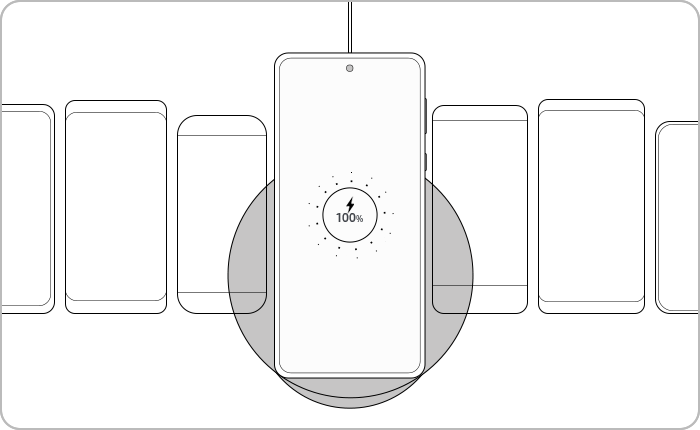
Why is my Samsung Galaxy phone not charging wirelessly?
Wireless charging issues on Samsung Galaxy devices often stem from incorrect placement, incompatible chargers, or accessory interference. Follow this guide to diagnose and resolve common wireless charging problems on Galaxy S24, Galaxy Z Fold, Galaxy Z Flip, and other supported models.
1. Why is my Samsung Galaxy phone not charging wirelessly?
Wireless charging problems on Samsung Galaxy devices can arise due to several factors. Below are the most common causes and solutions to help you restore wireless charging functionality.
2. Is your device properly placed on the charging pad?
Improper placement on the charging pad is the most frequent cause of wireless charging failure. Ensure your device is centered on the pad without any obstructions.
- Place your device directly in the center of the charging pad.
- For foldable devices like the Galaxy Z Fold or Galaxy Z Flip, close the device and position the back side facing the charger.
- Refer to your device's User Manual to locate the charging contact point for precise alignment.
3. Should I remove accessories before wireless charging?
Accessories such as cases, skins, or magnetic stickers can interfere with wireless charging. Remove any accessories that may block the signal or cause overheating.
- Remove your phone case, skin, or other accessories.
- Avoid placing metal objects, magnets, or RFID cards between your device and the charger.
- Ensure no holders, credit cards, or other objects are attached to your device.
- Magnetic stickers or metal cases can disrupt the wireless signal.
4. Are you using a Samsung Authorized wireless charger?
Only use Samsung Authorized wireless chargers for optimal performance and safety. Non-certified chargers may cause compatibility issues or damage your device.
- Use a Samsung Authorized wireless charger compatible with your Galaxy device.
- Ensure you're using the AC adapter and USB cable provided with your charger.
- Check for the WPC(Qi) certification mark on your charger.
- Fast Wireless Charging requires Samsung and WPC(Qi) certification.
- Non-certified chargers may overload your device's charging circuit.
5. Is fast wireless charging enabled on your device?
If your device supports fast charging, ensure the feature is enabled. Slow charging may indicate the fast charging option is turned off.
- Go to Settings > Battery and device care > Battery.
- Tap on Charging and enable Adaptive Fast Charging (AFC).
- Note: Fast charging won't activate when connected to a PC or non-compatible USB device.
6. Is your device overheating during wireless charging?
Overheating can disrupt wireless charging and affect device performance. Cool your device before attempting to charge again.
- Close unused apps and reduce screen brightness.
- Turn off your device and let it cool for 10–15 minutes.
- Resume charging once the device is no longer warm.
- Overheating often occurs during prolonged gaming or streaming sessions.
7. Can I test my wireless charger with the Samsung Members app?
Use the Samsung Members app to diagnose wireless charger performance. The app will identify issues and provide troubleshooting suggestions.
- Open the Samsung Members app on your device.
- Select "Get Help" and tap on "Self-Diagnosis."
- Place your device on the charger and follow the on-screen instructions.
Supported Samsung Galaxy devices include Galaxy S24, Galaxy S25, Galaxy S26, Galaxy Z Fold, Galaxy Z Flip, and Galaxy A series.
8. Additional things to check
If the above steps don't resolve the issue, consider the following:
- Ensure your device's software is up to date (Settings > Software Update).
- Check for physical damage to the charging pad or device.
- Test the charger with another compatible Samsung device.
Related Samsung support topics


Thank you for your feedback!
Please answer all questions.